ObraLedger

Type to search.

Sales · Stock · Projects · People · The books, done for you

The whole business. One system.

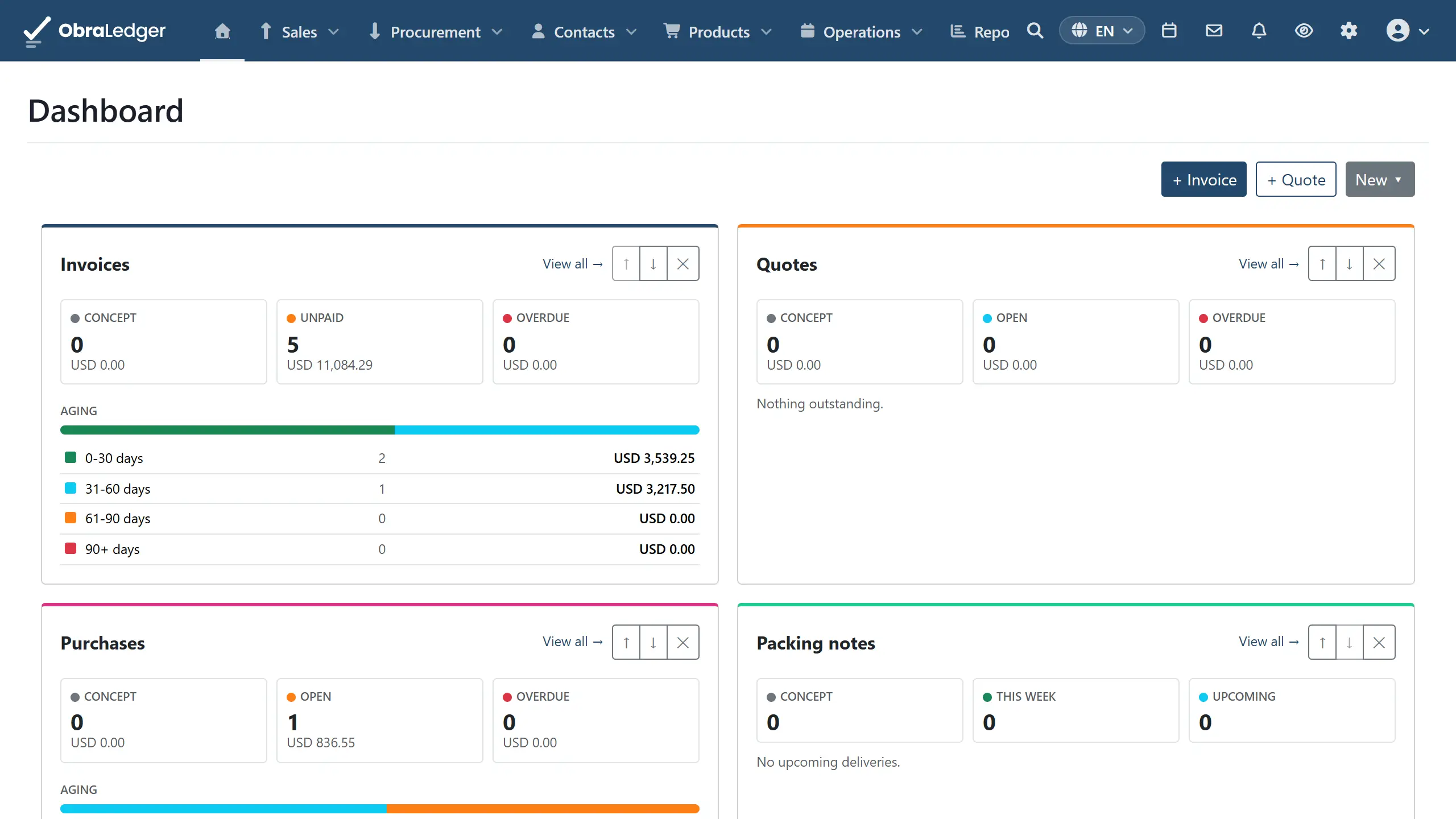
Sales, stock, projects, people and the accounts, all working off the same records. Raise an invoice and the bookkeeping is already done: the customer's balance moves, and the tax lands in the right box on your return. You never open an accounting screen to make it happen.

More than the software itself

01

You don't have to know bookkeeping

Raise the invoice. The books look after themselves, and you never open an accounting screen to make it happen.

  • Invoices, payments and refunds file themselves
  • Stock movements too, as they happen
  • Nothing to reconcile at month end
  • And when your accountant asks, every figure opens up to show its working
What happens underneath →
02

Mistakes get fixed the way auditors expect

An invoice you can still quietly edit isn't really an invoice.

  • Finalizing is one-way, on purpose
  • Corrections are credit notes, not silent edits
  • Numbering stays in a sequence you can defend
  • Reset to draft only while it is unsent and unpaid
How documents work →
03

Working with your accountant

Built for the fact that somebody else looks at these books.

  • One login across every company, roles set per company
  • Trial balance, profit and loss, balance sheet
  • Open any tax return box and see the transactions behind it
  • The year’s 1099 figures ready before January
How access works →
04

Connect what you already use

Nothing here is trying to be the only system you run.

  • WooCommerce orders in, your catalog out
  • Your bank’s QuickBooks download in, and an ACH file for its portal out
  • HubSpot both ways, Salesforce and Jira inbound
  • Google, Microsoft, Dropbox for calendars, mail and files
See the connectors →
05

The manual is public

Find the dealbreaker now, not three weeks after you've moved a year of books across.

  • Every part of the product has a page
  • Each one ends with what it cannot do
  • What each part needs switched on first, said up front
  • Written against the product, not from a brief
Read the user guide →
06

Your data stays yours

An accounting system holds records you're legally required to keep.

  • Export on every plan, including the free one
  • CSV, XLSX or PDF, whenever you want it
  • A customer with documents against them can't simply vanish
  • Reversals rather than silent edits, so the trail holds
Importing and exporting →

What you're probably weighing us against

Most businesses land here from one of three places, and each one works right up until it doesn't.

  An invoicing tool Spreadsheet and a bookkeeper A full ERP rollout ObraLedger
When the books get written Later, somewhere elseMonthly, in arrearsAs you work As you work
Fixing a mistake Edit the invoiceEdit the cellCredit note Credit note, numbering intact
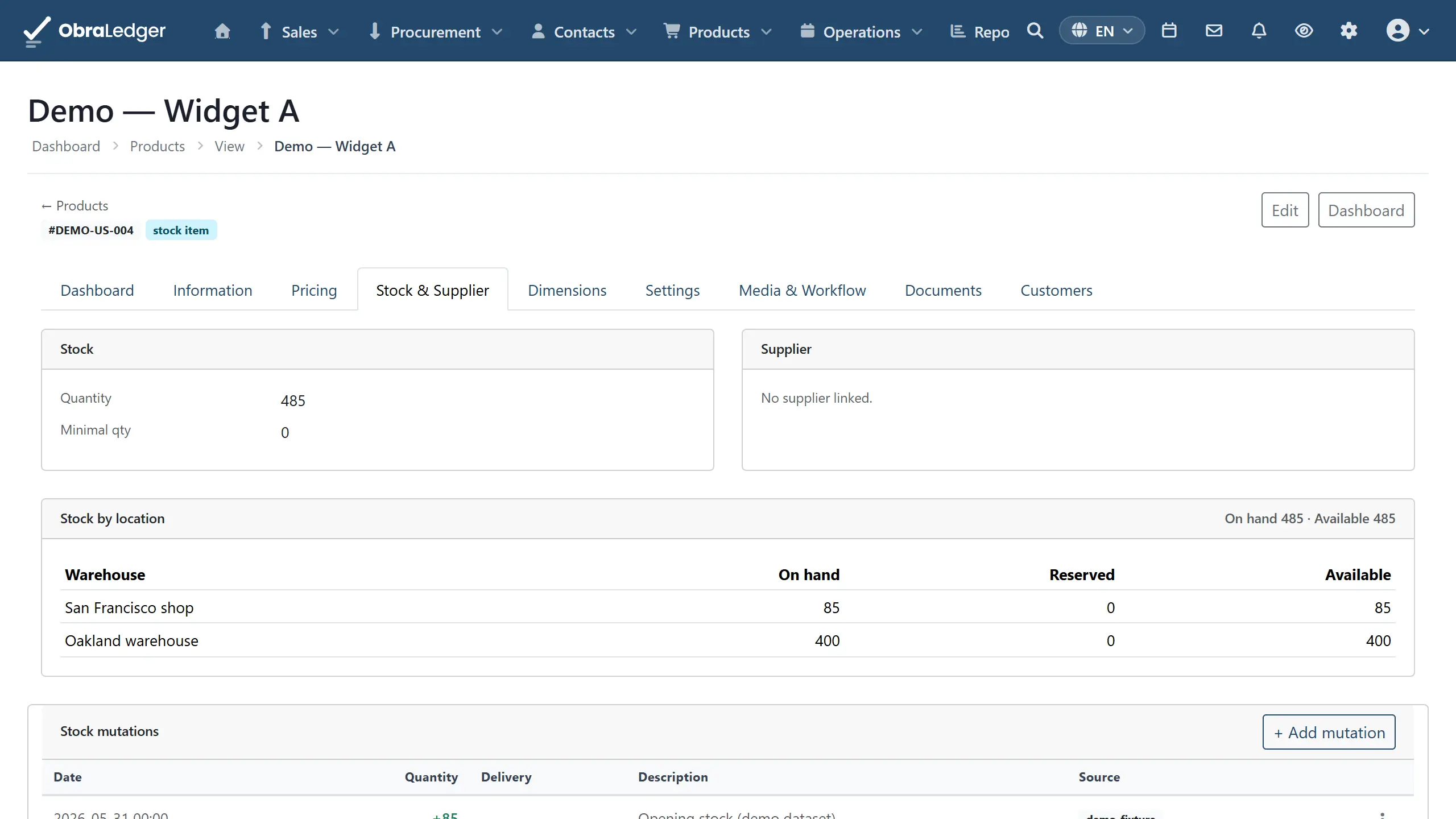
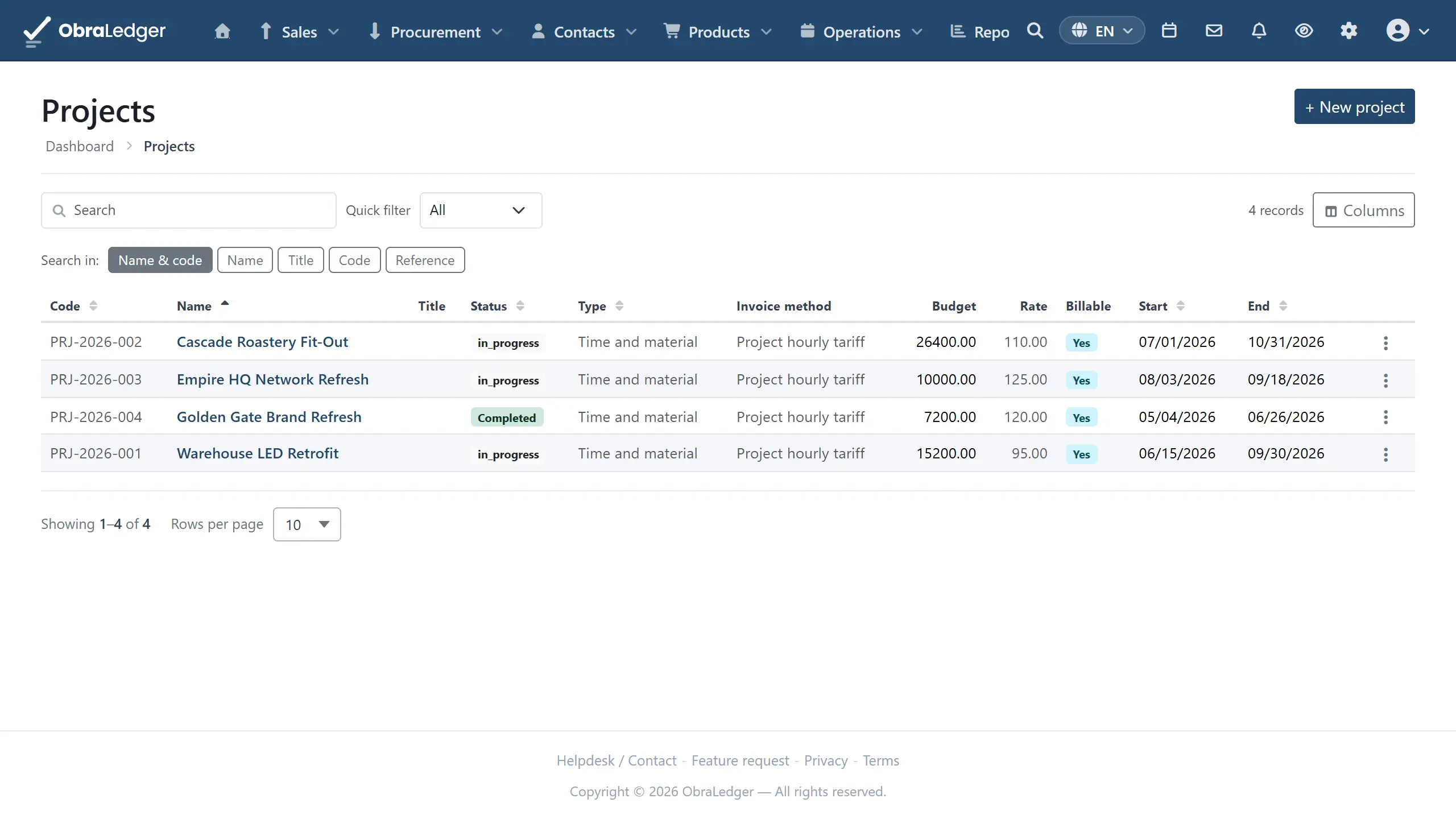
Stock, projects and staff Separate toolsMore spreadsheetsIncluded Same system
Live in An afternoonAlready thereMonths, with consultants An afternoon
What you can check first A feature list-A sales process The whole manual, limits included
Getting your data out VariesIt's your fileVaries Every plan, including free

If you only ever send a handful of invoices, an invoicing tool is genuinely the right answer and you don't need this. Where it stops working is the month you need to know what you actually hold, what a job really cost, and what you owe - and those live in three different places.

Try us on your own invoices

Everything unlocked for a month. No card. Then keep what you made, free.

  • Free

    $ 0 forever

    What you are left with when the trial ends, rather than a locked door.

    • 5 documents a month
    • Everything you made during the trial stays, and stays readable
    • Real double-entry bookkeeping, same as every plan
    • Export your data whenever you like
    Start free
  • Basic

    $ 4.99 per user / month

    For when you are sending real invoices to real customers.

    • 100 documents a month
    • Email documents to your customers
    • Everything in Free
    Start free trial
  • Pro

    $ 9.99 per user / month

    For a business that holds stock, or whose paperwork has outgrown a hundred documents a month.

    • 1,000 documents a month
    • Stock management: what you hold, where it is, what it is worth
    • Everything in Basic
    Start free trial

Full pricing detail →

Questions people ask first

The short answers. Each one links to the page that goes into it properly.

What is ERP software, and why would my business need it?

ERP stands for enterprise resource planning, which is a grand name for one system holding the parts of a business that constantly have to agree with each other: what you sold, what you hold, what it cost you, who did the work, and what you owe. The alternative is rarely no system - it's four systems and somebody reconciling them on a Friday. You need one at the point where that reconciling costs more than the software does. If you send a handful of invoices a month and hold no stock, you genuinely don't need one yet.

See everything we do →
How does ObraLedger ERP help my business grow?

Honestly? Software doesn't grow a business. Customers do. What this can do is stop the admin growing at the same rate as the revenue, and give you the numbers you need to make decisions with. Concretely: you can see what a job actually cost against what you budgeted, and get warned before a budget is gone rather than after. You can see where revenue actually comes from, which customers owe you and for how long, and what you're holding in stock. That's the difference between pricing on a hunch and pricing on last quarter's numbers.

See the reports →
Do I need an accountant to use this?

No, though yours will be happier than they were with a spreadsheet. The double-entry work happens underneath: you raise invoices and record payments, and the entries behind them write themselves. The one thing worth doing properly is your chart of accounts, because it's painful to change later - ten minutes with your accountant before you start beats an afternoon after your first quarter.

Read the guide page →
Can I bring my books over from another system?

Yes. Customers, products, ledger accounts and bank statements import from CSV or XLSX, and you map the columns yourself rather than reformatting the file first. Every upload shows you exactly what it is about to create, and nothing is saved until you say so. The usual approach is opening balances as a journal at a changeover date, with the history left in the old system - agree that date with your accountant before importing anything.

Read the guide page →
Does it work out payroll taxes for me?

No, and this is the one to read twice. Payroll applies the rates you set up. It has no country's tax rules built into it - no brackets, no thresholds, no allowances, no ceilings. We'd rather say that plainly than ship a plausible-looking default rate, because a plausible-looking default rate produces a payslip somebody files. If you need the tax worked out and withheld for you, use a payroll bureau and record the results here.

Read the guide page →
Can I run more than one company?

Yes, on one login, with an independent set of permissions in each. You switch between them rather than signing in again. That's built for the way an accountant or bookkeeper actually works across a set of client companies.

Read the guide page →
What happens to my data if I leave?

It leaves with you, on every plan including the free one. Software that's hard to leave stops having to be good, and an accounting system holds records you're legally required to keep. They're yours before they're ours.

Read the guide page →
How do I keep the account secure?

Two-factor authentication with any authenticator app, password rules you set for the whole company, login history you can review, and API keys for your own scripts, which you issue and revoke yourself.

Read the guide page →

Where would you like to start?

Pick whichever part of your business you want to fix first.